
A self-detailer can be included in both Web amps and other self-detailer Amps.
This way, you can either give you website users access to more detailed material, or allow self-detailer users to dive into more/alternative information while moving around in your Self-detailer.
If you haven't done so already, we recommend that you create your self-detailer amp, before moving forward with this guide. Learn more about how to create a self-detailer
To add a self-detailer, drag in the Open node from the toolbar or select it from the dropdown.
We encourage you to place a button node before the Open node to let the user make an active decision about viewing the edetail, as this will cover the current window with an overlay.
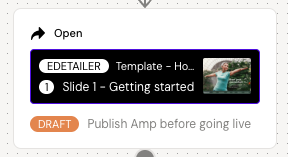
Click on the node, and select the self-detailer in the menu. Define which conversation you want the user to be presented to/start on. Remember that the self-detail must be published to work as part of another amp.
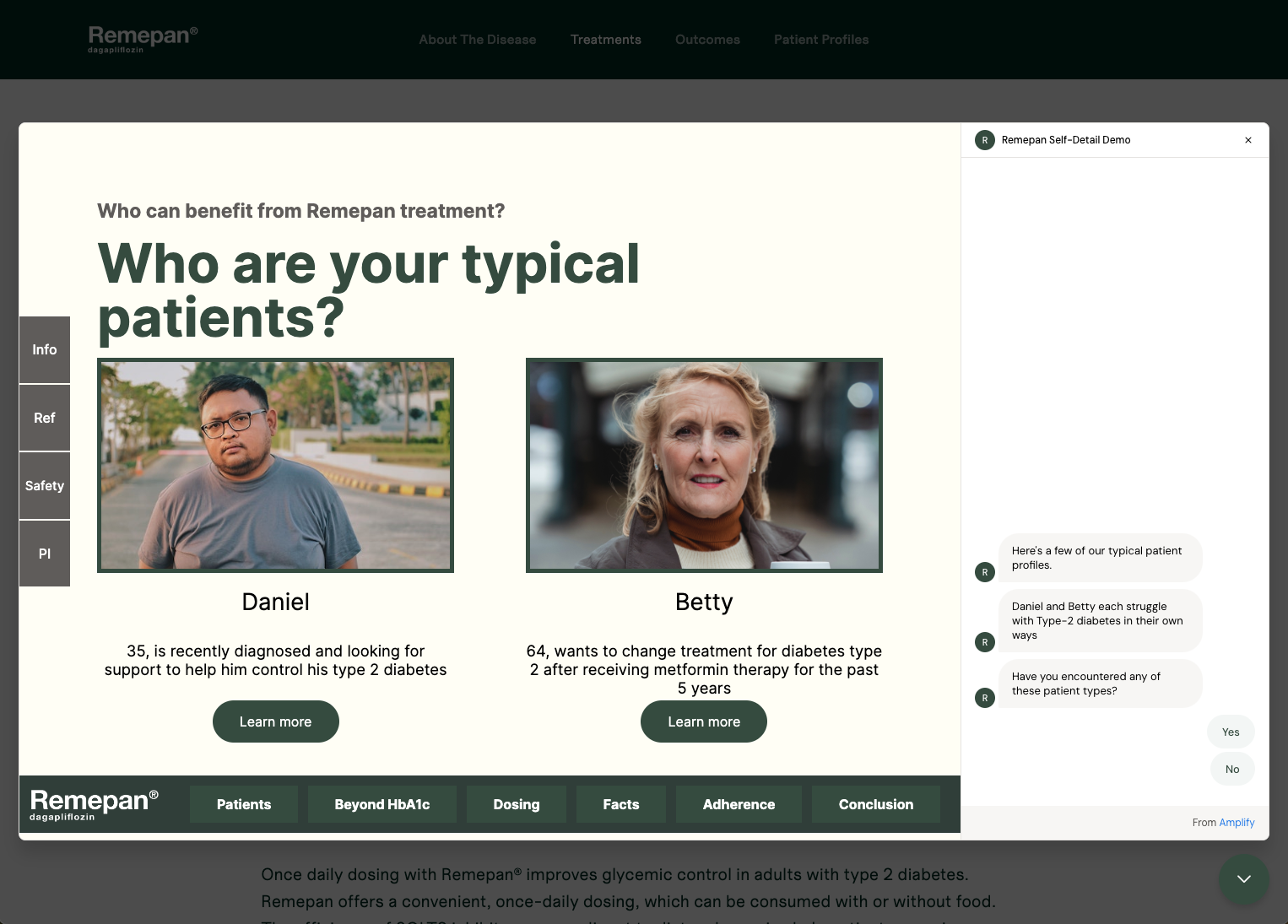
When the user exits the self-detailer, they will be returned to the prior Amp and the initial conversation will continue.